
Interactive learning apps: Ten best tools to use in 2026
 11 June 2026
Adult participation in self-directed professional training has risen recently. This increase occurs as professionals encounter rapid changes in technical workplace specifications and operational roles. People routinely search for dependable interactive learning apps because standard training and educational materials often fail to maintain engagement. Also, the primary hurdle remains long-term memory retention. Most individuals find that reading static articles provides fleeting exposure, missing the durable conceptual understanding.
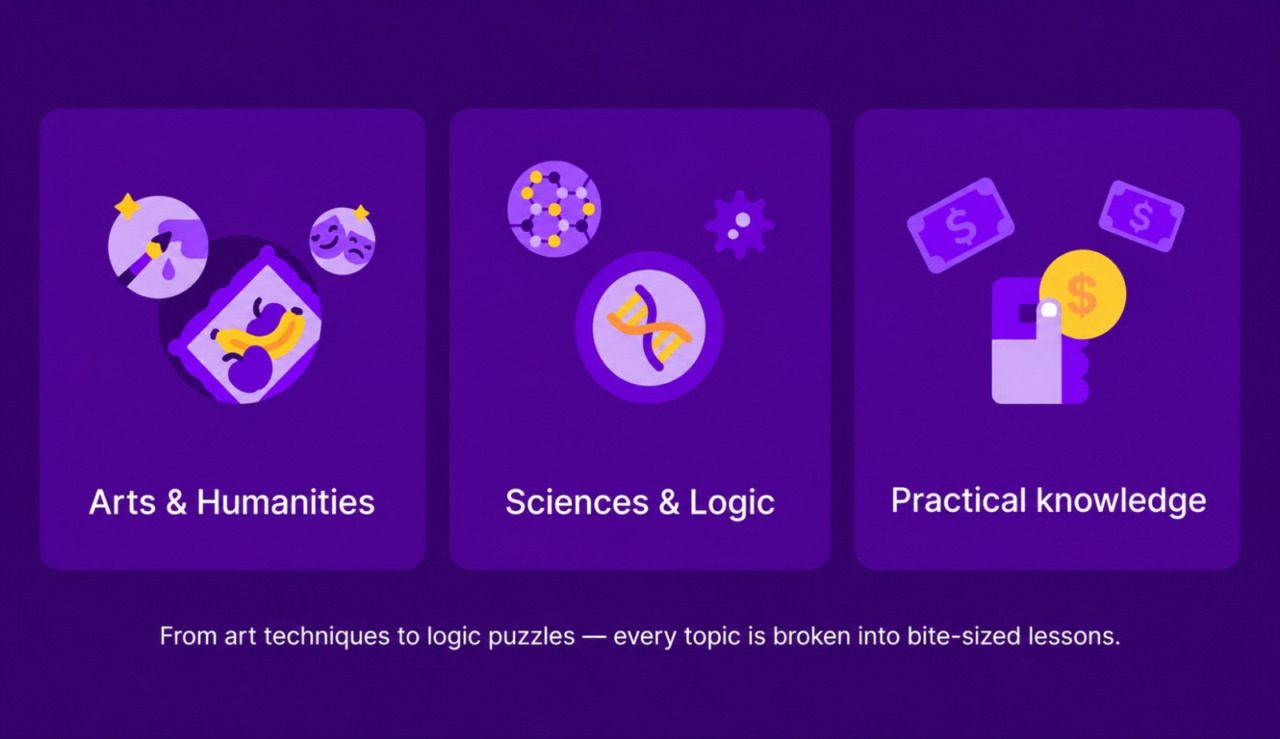
We evaluated current data across major mobile platform charts and verified academic studies on retrieval practice to catalog options that emphasize active user participation. Many busy professionals use the apps that are focused on a microlearning method. For example, the Nibble app provides short lesson blocks to study historical, scientific, and cultural frameworks during brief commutes. This method uses targeted question blocks so you can analyze complex subjects without committing to multi-hour university lectures.
The options explored below provide distinct ways to replace passive scrolling habits with structured skills practice. Let’s review these structural designs that help to determine which interactive learning application matches your specific daily routine!
What makes an app interactive in the first place?
Interactive educational software requires you to generate responses, execute logical steps, complete challenges, read and learn short interactive blocks, and repeat to memorize new material. This configuration contrasts with passive media formats, such as recorded lectures or textbook paragraphs, where your brain simply observes information. Learning software uses automated question prompts, sorting tasks, microblocks, and micro-quizzes to ensure you process information before moving forward.
Research on the testing effect shows that actively retrieving information from memory improves long-term retention more effectively than simply rereading the same material. Studies by cognitive psychologists Henry Roediger and Jeffrey Karpicke found that practice tests and retrieval exercises produce stronger learning outcomes than repeated study alone.
When an application forces you to choose a variable or correct an error, it forces active cognitive processing. Now, let us review the apps and platforms that are focused on this concept:
1. Nibble app: Practice concepts through questions
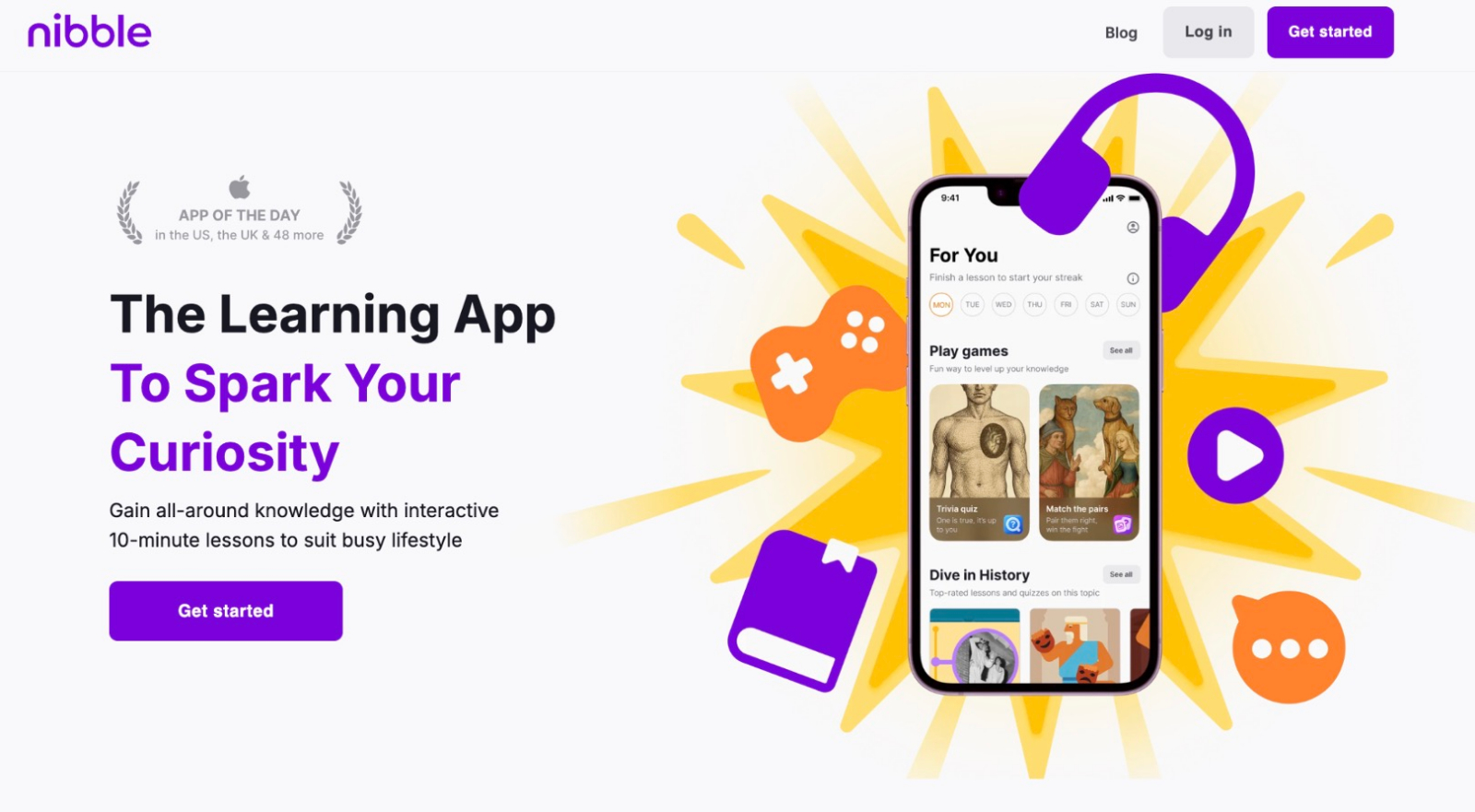
Suppose you have 10 minutes left before an afternoon team meeting at your office begins. Using that small window to read a lengthy academic paper usually leads to distraction. The Nibble app resolves this problem by structuring entire subjects, like art history, global economics, math, or basic anatomy, into interactive quiz sessions.
The interface presents information in short lessons and asks questions or provides quizzes, prompting your brain to find the solution. You receive immediate explanatory feedback on whether your choice is right or wrong. This method keeps your focus high because you cannot simply mindlessly skim the material.
Also, research summarized highlights that retrieval practice is most effective when learners receive corrective feedback after attempting to recall information. Therefore, the immediate correction that you receive in the app helps prevent the reinforcement of errors. It also improves long-term retention compared with retrieval practice alone.
2. Headway app: Read key ideas in short sessions
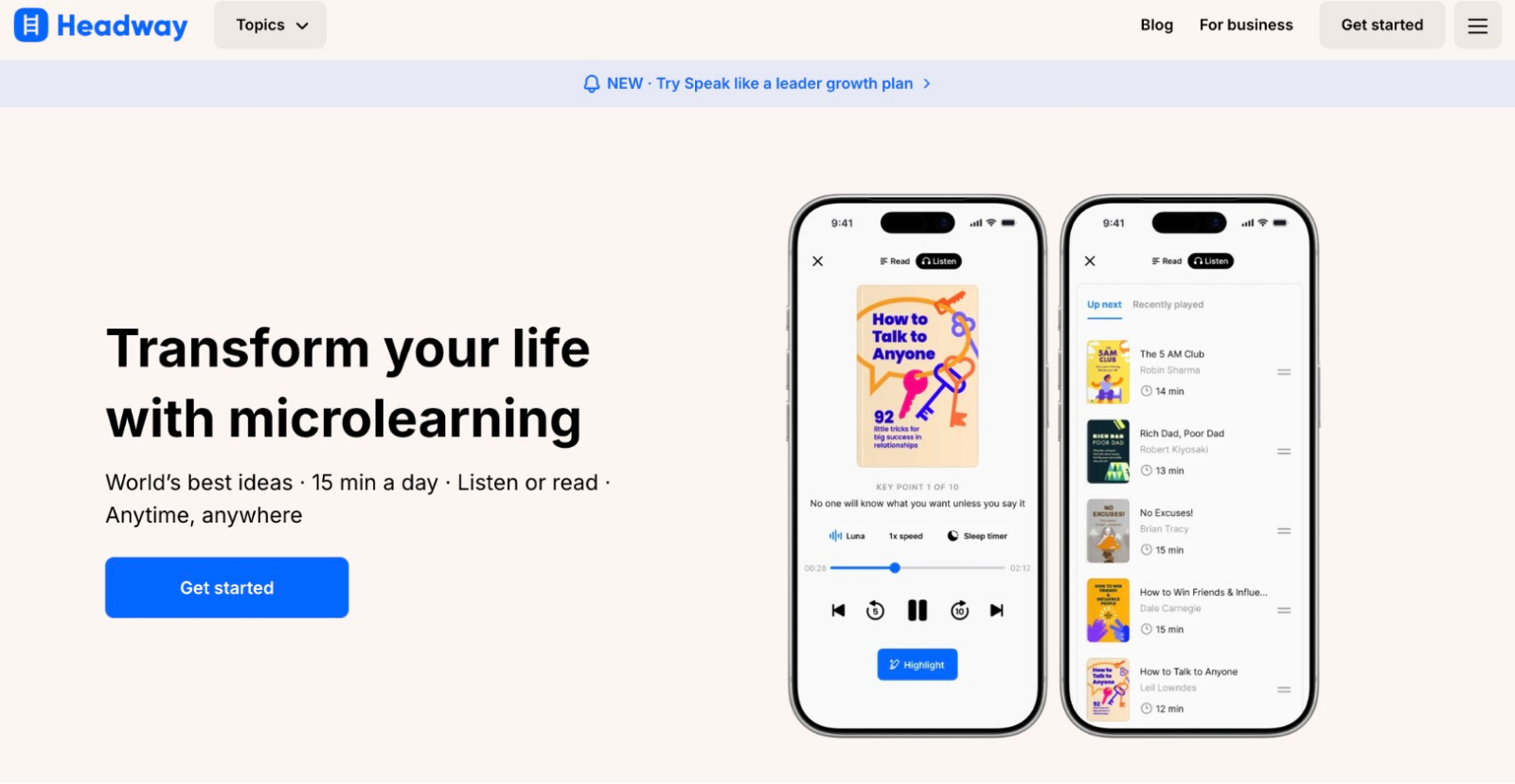
Headway operates in the text-summary sector, condensing foundational nonfiction books into 15-minute written and audio overviews. The platform provides clear summaries of major texts and serves a global user base exceeding 55 million downloads. This tool is for individuals who want to extract real-world strategies from business, productivity, finance, art, science, psychology, and fiction without spending weeks on a single volume.
Book insight: Atomic Habits by james clear
Let’s take, for example, one book review on the app. When you explore James Clear’s ‘Atomic Habits’ at the book summary app, you will find that meaningful personal change relies on small, automated daily systems. Clear explains that tracking your actions visually creates an immediate feedback loop that keeps your behavioral identity aligned with your goals.
This way, you get top insights and concepts from books, and at the same time, the application incorporates interactive features like:
- Text highlighting and personalized spaced-repetition flashcards
- Micro-quizzes based on chapter takeaways
- Features that ensure you remember the core tenets of the text long after you close the file
3. Duolingo: Complete short language exercises
Duolingo relies on gamified exercises to teach grammar and vocabulary across dozens of languages worldwide. The system breaks lessons down into two-minute segments where you translate phrases, match spoken audio to text, and speak into your device’s microphone. This rapid feedback loop keeps motivation steady during daily practice.
The app provides a streak mechanic that counts consecutive days of use and serves as a primary habit driver for adult learners. By tracking your daily progress, the software helps you establish a consistent routine around language acquisition. The repetitive nature of the short translation puzzles builds automated vocabulary recall over extended periods.
4. Brilliant: Solve problems during every lesson
Brilliant specializes in STEM subjects, including computer science, mathematical logic, and principles of physics. The application completely eliminates long text explanations in favor of visual puzzles and interactive graph manipulation. A typical math lesson might require you to adjust a digital lever to see how the area of a geometric shape changes in real time.
This approach targets intuitive understanding before introducing formal equations. By guiding your hand through visual proofs, the software turns abstract theory into tangible mechanics. It works exceptionally well for professionals who need to learn data analysis or coding logic from a foundational perspective.
5. Quizlet: Review material through recall
Quizlet provides a digital flashcard platform built around customizable study sets and user-generated learning guides. The tool serves students and adult professionals who are preparing for technical certification exams or memorizing extensive industry vocabulary. It uses a core spaced-repetition system to optimize your study schedules based on your past performance.
The app tracks which terms you miss most frequently and inserts them into your deck at precise intervals. This targeted review prevents you from wasting time on concepts you already know.
6. Khan academy: Follow structured learning paths
Khan Academy offers comprehensive, non-profit educational courses covering macroeconomics, history, and advanced calculus. The platform structures its material in a strict hierarchical progression that mimics an official school curriculum. You can watch a concise instructional video and immediately complete a set of mastery problems to unlock the next segment.
The software tracks your accuracy through unit tests and cumulative reviews, requiring a perfect score to earn specific topic badges. This linear design ensures that you fill any foundational knowledge gaps before attempting complex topics. The system provides clear diagnostic data to show exactly where your understanding drops.
7. Elevate: Practice reading and writing skills
Elevate focuses on cognitive skill building through games that target reading comprehension and clear writing structures. The application designs its daily workouts based on your performance history, adjusting the speed and complexity of the games over time. Therefore, you get amazing features:
- An exercise might require you to remove redundant words from a paragraph under a strict countdown timer.
- The format sharpens communication skills for professionals who write emails and reports daily.
- The immediate scoring metric lets you track your cognitive velocity relative to other users in your age bracket.
- The data-driven layout makes basic skill maintenance feel like a personal performance challenge.
8. Coursera: Learn through guided coursework
Coursera connects independent learners with official university programs and corporate technical certificates from institutions such as Yale University and Google. The platform uses structured weekly modules complete with peer-reviewed assignments and interactive capstone projects. You can also submit your work for grading to earn the final electronic credential.
What else? This formal arrangement benefits individuals who require verifiable proof of their skills for career advancement. You can also participate in communities, where:
- The interaction occurs through peer forums where you can critique the work of other students worldwide.
- The communal feedback system keeps you accountable to the course timeline.
9. Memrise: Learn through real-world examples
Memrise focuses on spoken language acquisition by using thousands of videos featuring native speakers in their local neighborhoods. You can observe real-world accents and natural body language while completing vocabulary matching tasks.
This exposure ensures that you learn how people actually speak outside of formal dictionaries. You can also enjoy different features and solutions, such as:
- The educational model relies on context-rich memory prompts called mems, which link new words to familiar imagery.
- By anchoring sounds to real visual scenarios, the software speeds up audio recognition.
10. SoloLearn: Write code during lessons
SoloLearn teaches programming languages, including:
- Python
- Javascript
- SQL and more
You can learn through a mobile code editor built directly into the text interface. Your first lesson requires you to type actual code and press the run button to see the output on your screen. The software analyzes your text instantly to pinpoint missing semicolons or incorrect brackets.
This instant diagnostic mechanism prevents beginners from forming bad programming habits early on. The app includes a community sandbox where you can fork public scripts and safely experiment with web development layouts. This direct application of theory makes technical computer science concepts accessible without complex software installations.
Why adult learners are moving toward interactive formats
Traditional lecture structures often struggle to fit into an adult schedule that is already constrained by full-time employment and family obligations. Mobile educational platforms resolve this friction by changing the fundamental delivery system of new information:
- Active recall mechanisms replace long reading sessions with targeted questions.
- Immediate feedback loops correct cognitive errors before they become habits.
- Spaced-repetition algorithms schedule reviews based on personal data.
- Gamified tracking systems establish consistent daily participation incentives.
Compare interactive learning apps based on how one studies
Selecting among various interactive learning apps depends entirely on whether you need to memorize vocabulary, analyze nonfiction books, use games to retain data, or practice computer programming logic. Most adult users perform best when they mix different formats, using quiz applications on their phones alongside long-form online courses.
These learning apps for adults ensure that your limited study time leads to genuine skill accumulation rather than passive screen consumption. You can explore one of these structured platforms today and evaluate how interactive sessions alter your personal retention tracking.
The editorial unit























Facebook
Twitter
Instagram
YouTube
RSS