
How to stay safe when buying online
 29 October 2019
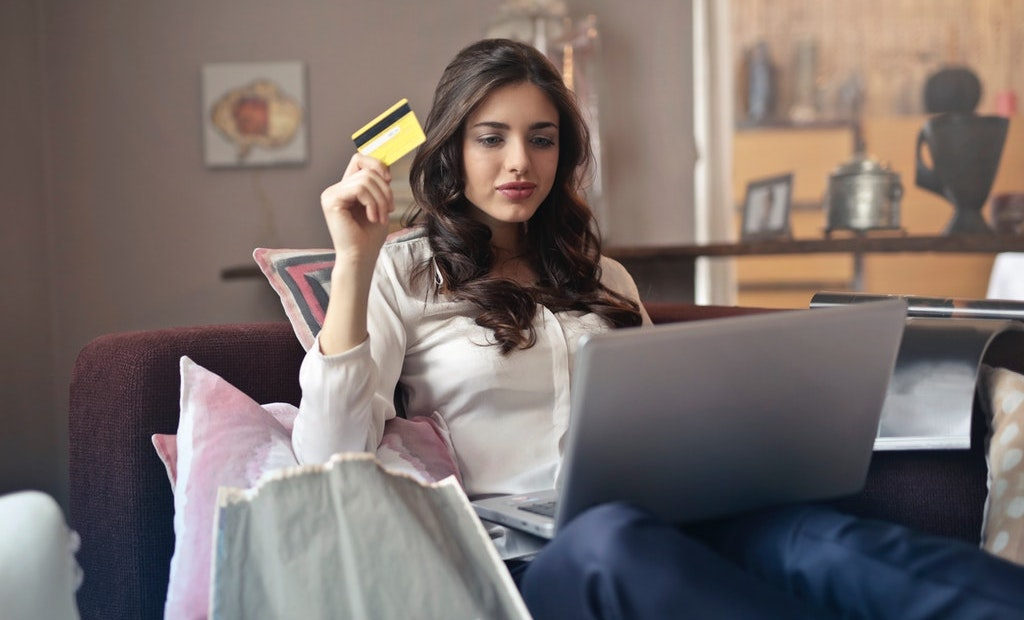
With Christmas already on the horizon, many of us are thankful for the existence of online shopping. It not only opens up a world of entertainment, but also gives us the option to buy presents whilst staying free from packed streets and tinsel-strewn stores. However, the internet brings new challenges, and given the current climate surrounding data protection, it’s all the more vital to be careful over the coming months. Whether you are downloading films, buying gifts or playing games, here are our top tips for safe spending.
Do your research
The first piece of advice is simple: research the website before you buy. There are so many sellers out there that it can be hard to recognise the fraudsters from legitimate dealers, but luckily there are sites like Trustpilot which rate compies through their online reviews. You can also check out general online feedback on your browser – if there are a lot of complaints, look elsewhere.
Make sure the website is secure
Even if you think a seller is legitimate, you still need to check that your details are secure. There are easy ways to do this. Firstly, make sure the address starts with “https://”. Secondly, check for the padlock symbol in the address bar – this means the site is certified. Click on the padlock to check your connection is private. This goes for any page, whether you are searching for movies, recipes or games.
Use secure payment platforms
Whatever you are paying for online, be it goods or games, you can stay safer by using secure payment platforms. Companies such as PayPal will keep your information secure in an online vault so you don’t have to enter it in every time you pay, thus ensuring your card details can’t be copied. Many sites use these trusted platforms.
Keep your antivirus protection up to date
Remember, with all the sites that you are likely to visit every day, there are all sorts of dangers. One wrong click and you might pick up a piece of malware without realising, compromising your online security next time you pay. However, with antivirus protection, the software will notify you when it finds a problem, and firewalls will prevent anything nasty from reaching your device.
Don’t use public wifi
There’s a greater risk of your transactions being intercepted if you are not using a secure network. Make sure that when paying, you are using a private network, and not a public cafe that can be accessed by anyone. If you are gaming or streaming media, there’s nowhere safer than your own home.
The editorial unit





















Facebook
Twitter
Instagram
YouTube
RSS